What's new in Release 1.8
Phone-First Registration: Signing up now starts with your phone number. You get an SMS code to verify instantly, and if you're on a landline or SMS doesn't arrive, a voice call fallback kicks in automatically. Faster onboarding with fewer dead-ends.
Email Verification Gate: To keep your workspace secure, creating and managing voice agents now requires a verified email. A clear banner walks you through the one-click verification, and existing accounts can verify at any time without losing their setup.
Onboarding Tour: New users get a guided walkthrough the first time they land in the dashboard, showing you how to create your first agent, configure the prompt, and connect a knowledge base. Tours remember your progress, so you can skip and return anytime.
Default Data Collection: Every new agent starts with Email and Phone retrieval variables enabled out of the box. No more digging through settings, the form fields show up in the widget automatically, ready to collect leads.
Agent Full Preview: A new Full Preview button in the agent header opens everything at a glance, the complete system prompt, begin message, and all knowledge base files. Copy any section with one click.
Prompt Editor Polish: Switching between Visual and Markdown modes no longer resets the wizard or escapes your variable placeholders. Edit freely in whichever style you prefer, your work stays intact.
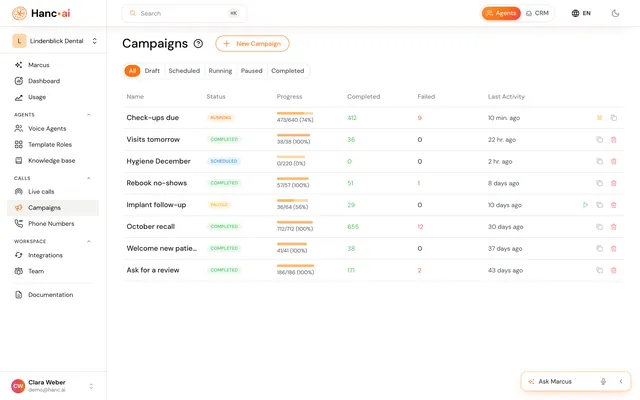
Outbound Campaigns Preview: Users without outbound access now see an interactive campaign showcase, three tabs walk you through campaign setup, contact management, and call scheduling with real screenshots. Want access? One click contacts our team.
UI Updates:
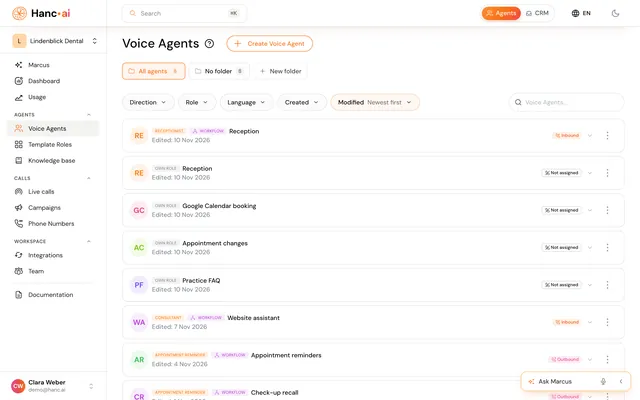
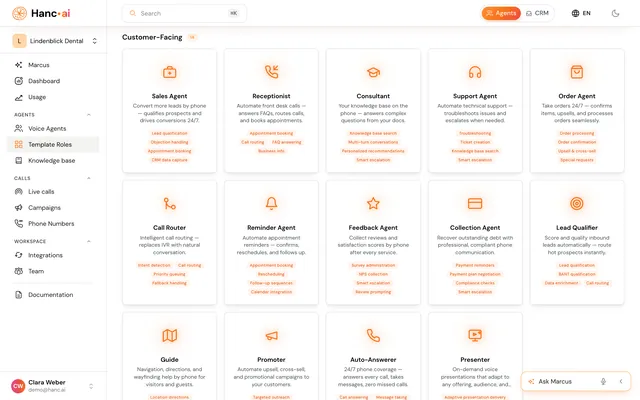
- Sidebar section renamed from "Templates" to "Template Roles"
- Language selector now visible on authentication pages
- Input fields refreshed with a cleaner transparent background
- Unified navigation icon weights for a more consistent look
Website:
- Phone OTP in the Create Agent wizard, matches the new app flow
- US phone numbers (+1) now supported for outbound demos