A voice agent on your site. One tag, no backend.
Five web components that let a visitor speak with your agent out loud, in the browser, with nothing to install.
This sphere is the widget. Press it and talk.
Pick the shape the page needs
The same agent, five ways to reach it. Mix them freely: two tags with one agent-id is a normal setup.
The conversation runs over WebRTC, answers come back in about a second, and the agent can open pages and read what is on screen.
-
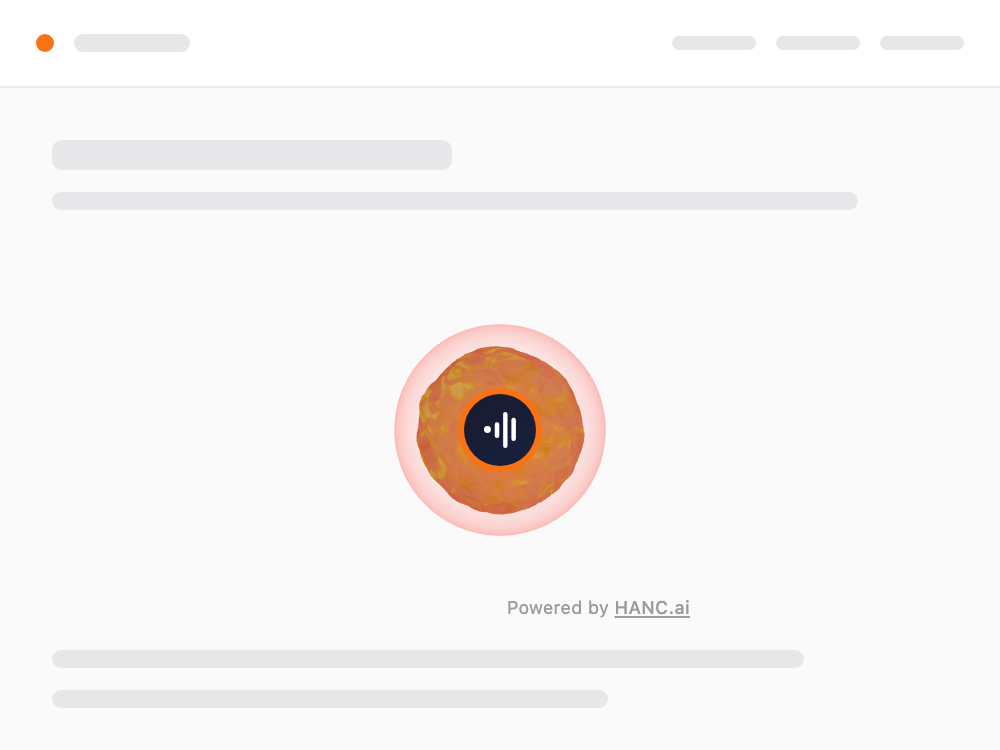
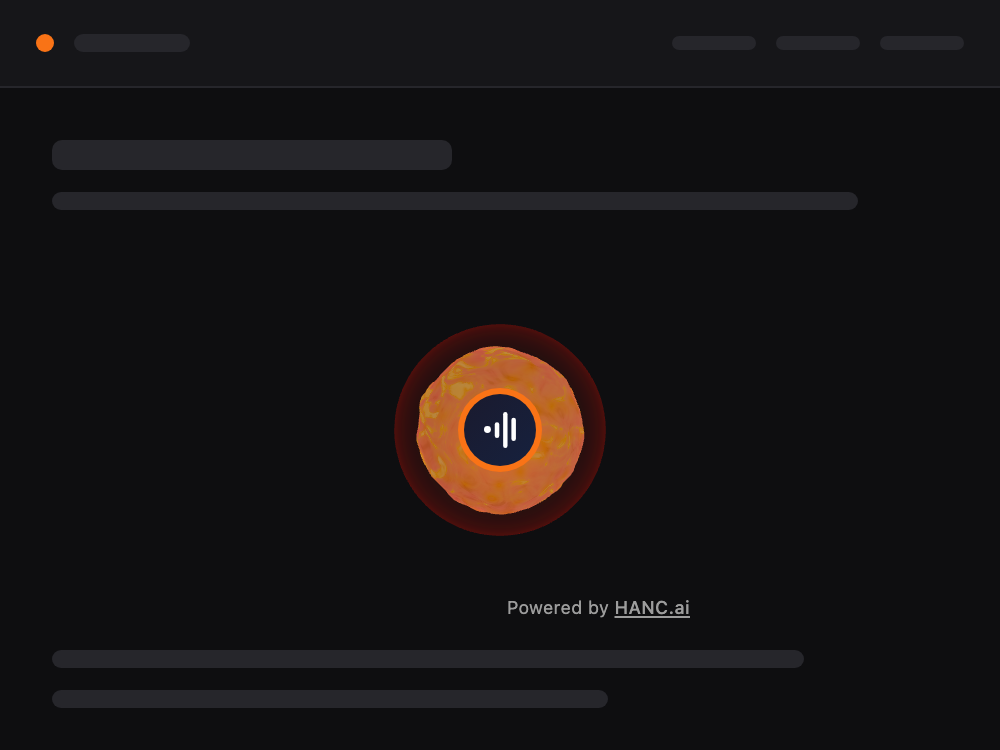
Inline sphere
<hanc-ai-inline-call>370 px by default, sitting in the page flow. Give it the width you want; on a narrow screen it shrinks itself.
A section on a landing page or a contact page: wherever the call is the point of the block.
-
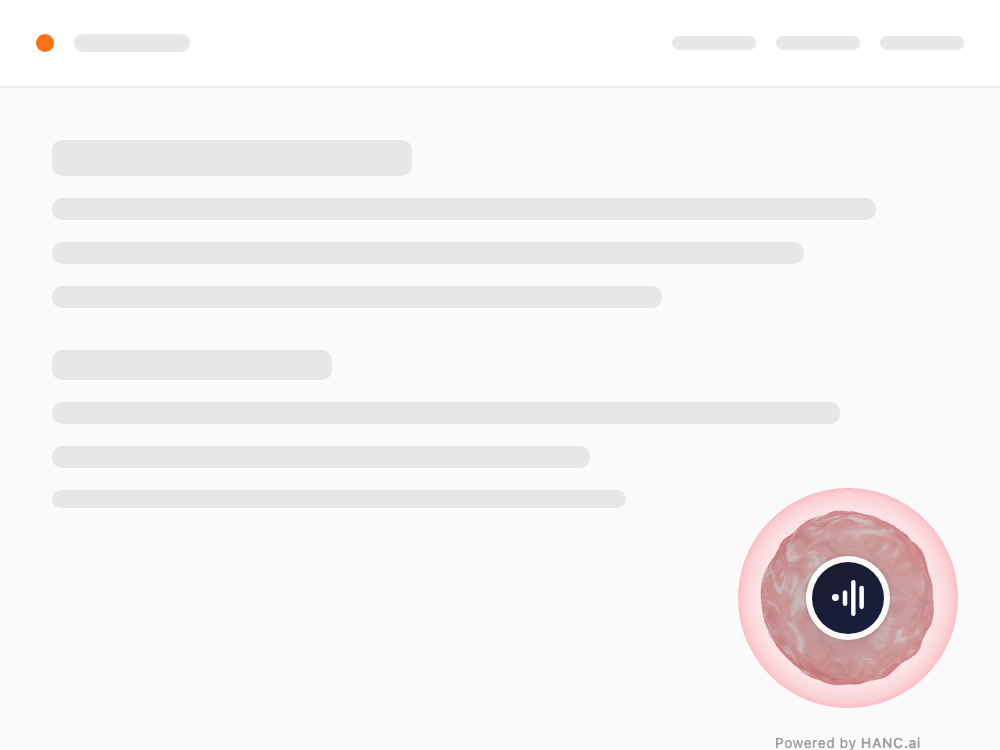
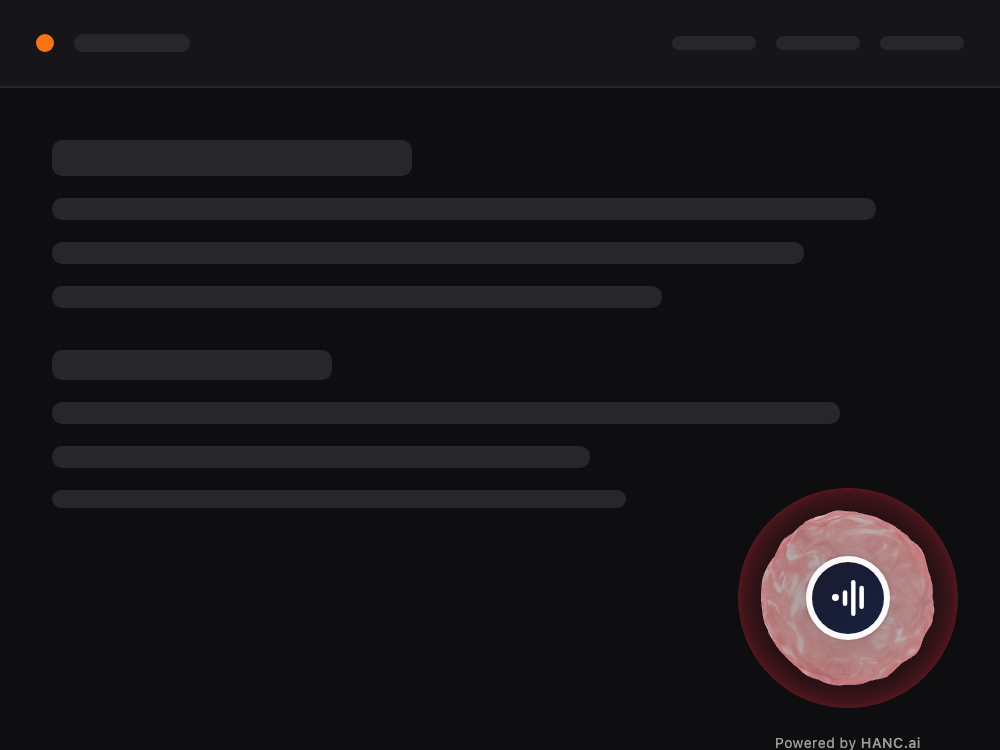
Floating sphere
<hanc-ai-floating-call>120 px, fixed 32 px in from the bottom-right corner. Three other corners to choose from, or
staticto drop it into the flow.Reachable from every page without taking any room in the layout.
-
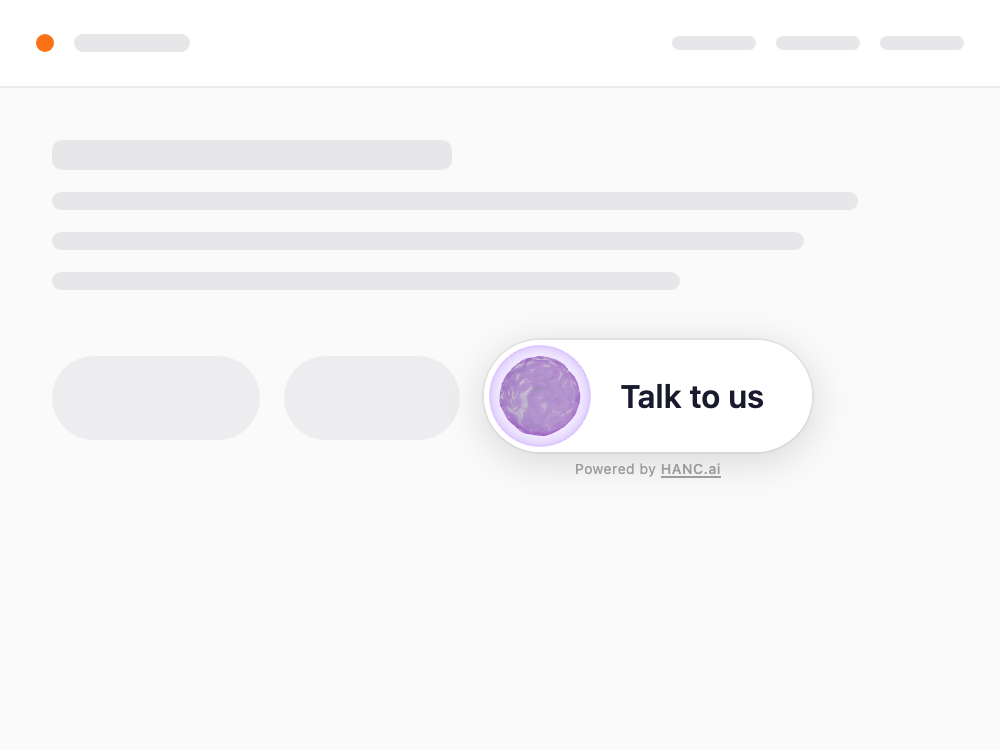
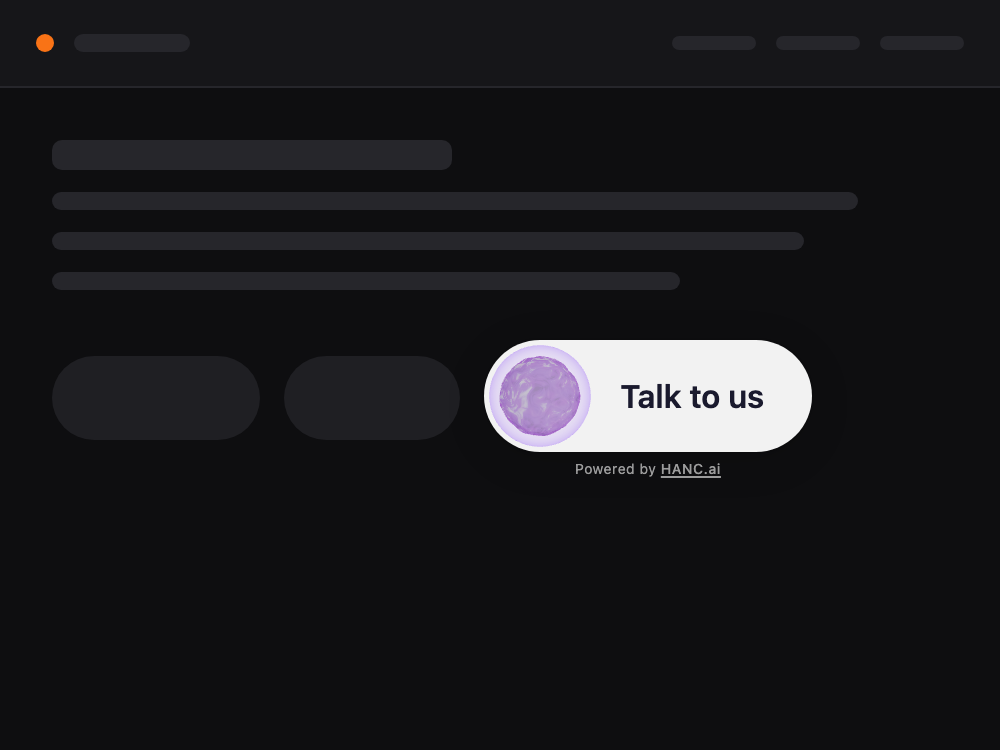
Pill
<hanc-ai-pill-call>A horizontal button: a 48 px sphere on the left, your own label to the right. Sits in the flow like any other button.
In a row of buttons, in a header, inside a card.
-
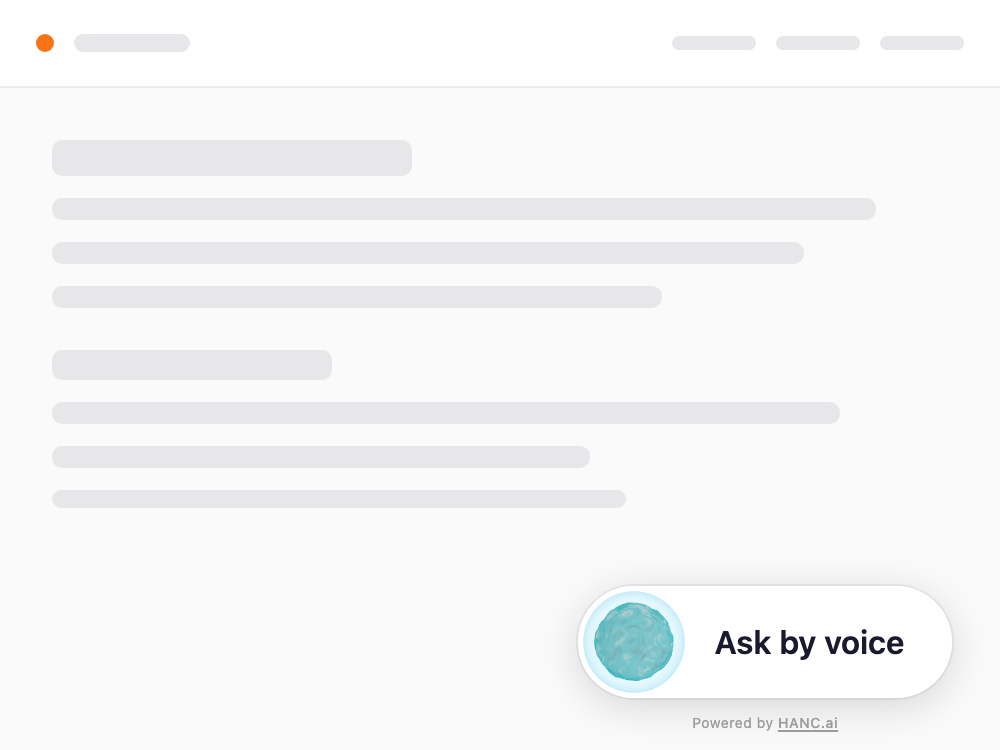
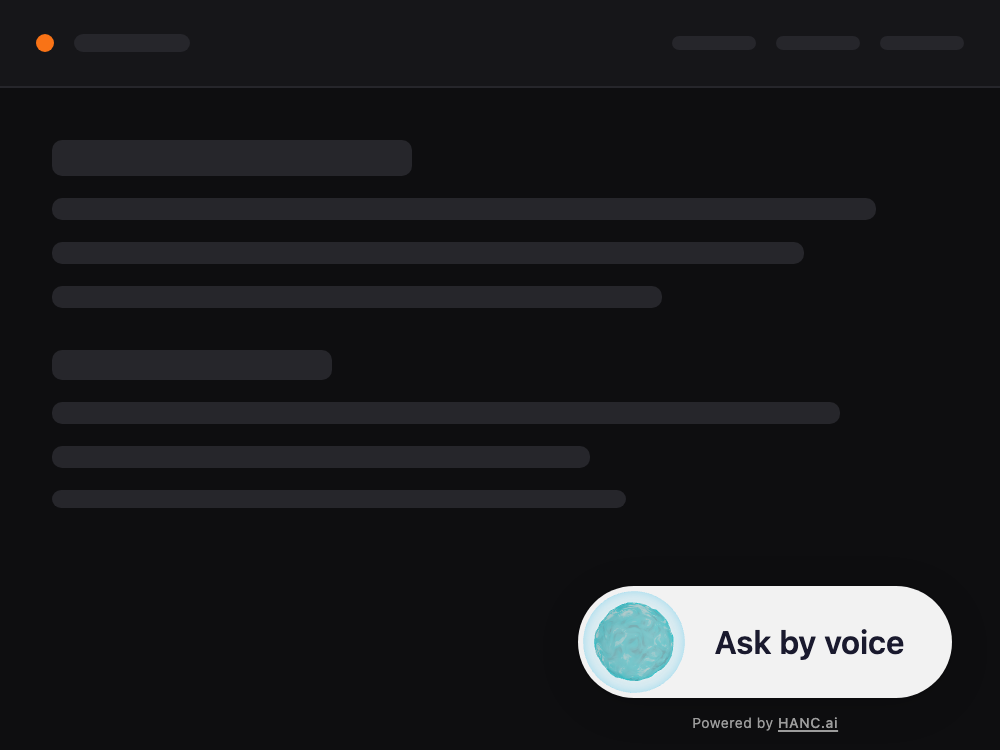
Floating pill
<hanc-ai-pill-floating-call>The same button, fixed 32 px in from the bottom-right corner. The same four corners to choose from.
When a round sphere draws too much attention but you still want it always in reach.
-
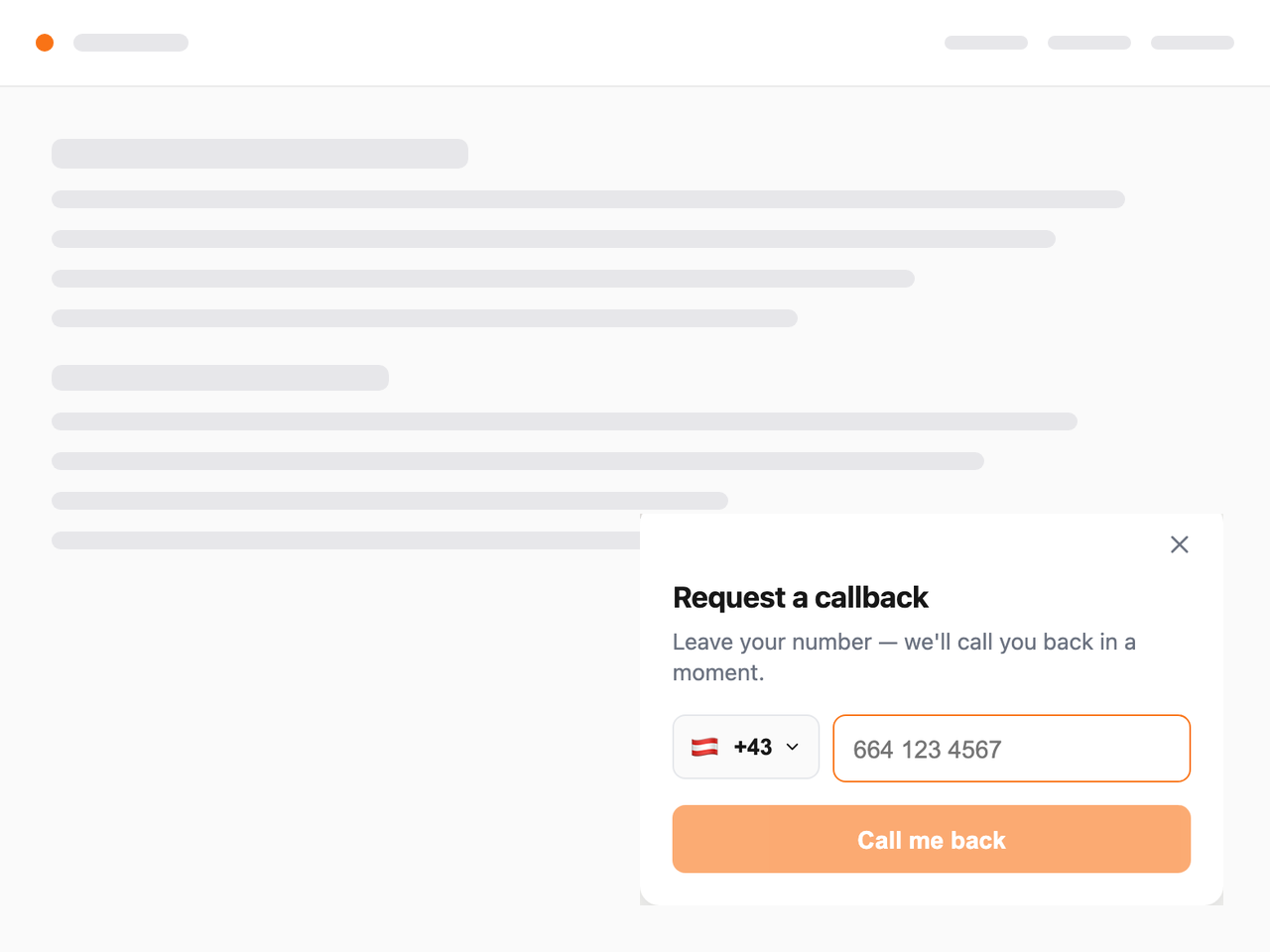
Callback form
<hanc-ai-callback>Country picker, a number formatted as it is typed, and one button. How often to retry is set on the agent, not in the markup.
People who will not speak through a browser, and any place where a microphone is awkward.
Install it
One required attribute: the agent id from your dashboard. No API key belongs in markup: anything in the HTML is visible to the visitor.
- Take the agent id A string like 69d20781de6244c89509eb08, from the dashboard.
- Add the script One line in <head>. Via npm it is one import, and the tags register themselves.
- Place the tag Wherever the call belongs. Only agent-id is required.
- Serve over HTTPS Browsers give no microphone on http://. localhost works while you build.
<!-- 1. the script, once, in <head> -->
<script src="https://unpkg.com/hanc-webrtc-widgets" async></script>

<!-- 2. the widget, wherever the call belongs -->
<hanc-ai-inline-call
  agent-id="69d20781de6244c89509eb08"
  size="320"
  theme="tangerine"
  button-start-text="Talk to us">
</hanc-ai-inline-call>-
React
Below v19 unknown props are passed as strings, so objects cannot be handed over that way. Wrap with @lit/react: the official route, and it gives you typing and events.
-
Next.js
The widget needs a browser: 'use client' and a dynamic import with ssr: false. Otherwise the build breaks during server rendering.
-
Vue
Works with no wrapper. Tell the bundler that hanc-ai- tags are custom elements.
The agent can open pages and read what is on screen
A voice answer is often the wrong medium. Nobody wants a delivery table read aloud. So the agent can send the page a command, and ask the page what the visitor is looking at. Your code stays in charge: it decides what to honour.
-
navigate - The agent opens a page on your site: a product, a section, a form filled in ahead of the visitor.
-
page_context - The page answers where the visitor is and what is shown, so the agent talks about this product rather than in general.
-
cart_state - The page answers what is in the basket and what it costs, so the agent can total it up out loud.
Every command arrives as a cancelable agent-command DOM event. Calling preventDefault() means “handled”; respond(data) sends an answer back to the agent. Ignore an event and the agent is told it was not handled, so it falls back to speaking.
Commands are requests, not orders. Validate every path before you follow it. The example refuses anything that is not a same-site path.
widget.addEventListener('agent-command', (event) => {
  const command = event.detail;

  if (command.type === 'navigate') {
    const path = command.payload?.path;
    // Only same-site paths. Never follow an absolute URL.
    if (!path?.startsWith('/') || path.includes('://')) return;
    event.preventDefault();          // "handled": the ACK protocol
    router.push(path);
  }

  if (command.type === 'cart_state') {
    event.preventDefault();
    command.respond({                // answer travels back to the agent
      items: cart.map(i => ({ name: i.name, price: i.price })),
      total: cart.total,
      currency: 'UAH',
    });
  }
});The same widget inside your app
iOS and Android both show it in a web view. Build a small HTML page in code and load it with an HTTPS base. Without a secure origin the engine will not hand the page a microphone.
-
You cannot hear the agent
A web view will not play WebRTC audio while the app's audio session sits in playback. Switch it to a conversational mode with speaker output for the duration of the call and put it back afterwards.
-
The agent answers in the wrong language
The widget takes its language from navigator.language, which in a web view is the system language, not the one chosen in your app. Override it at document start, and patch fetch to add browser_language to the room request, which the embedded widget does not send by itself.
-
The microphone needs both halves
The system permission for the app, and the permission for the page inside the web view. On Android ask for the system one before the screen opens; on iOS grant the page's request in the delegate.
let html = """
<hanc-ai-inline-call
    agent-id="\(agentId)"
    support-session-token="\(sessionToken)"></hanc-ai-inline-call>
<script src="https://unpkg.com/hanc-webrtc-widgets" async></script>
"""

// An HTTPS base is required: without a secure origin
// the engine will not hand the page a microphone.
webView.loadHTMLString(html, baseURL: URL(string: "https://hanc.ai"))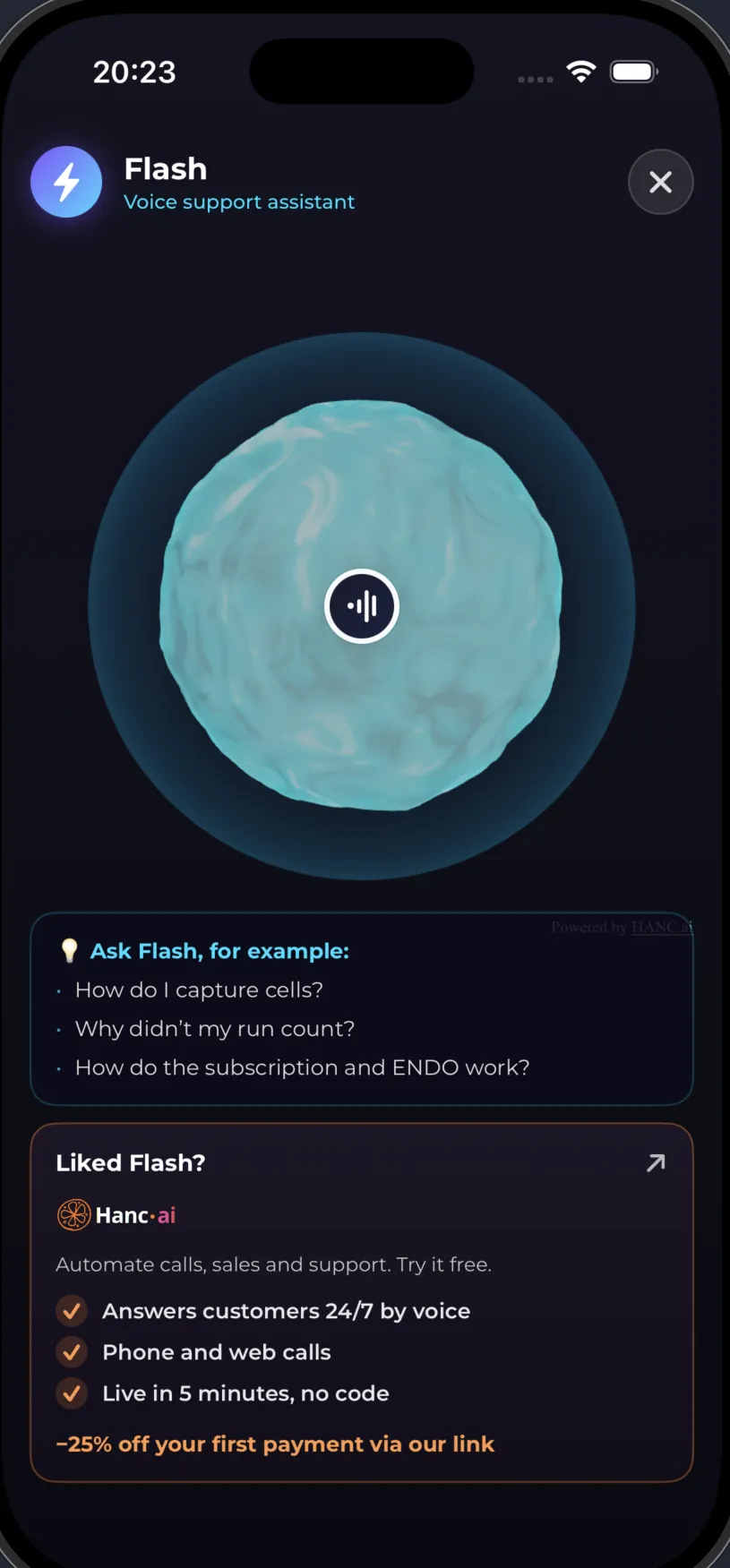
Let the agent see the signed-in user, and only them
Pass a token in support-session-token. The widget attaches it to the call as-is, we forward it to your system in the X-Hanc-Support-Token header, and your MCP server decides who that is. The token is opaque to us: we do not parse it, verify it or store it.
- Your app
- The widget
- Hanc.AI
- Your MCP
- Your data
Never trust an identifier that arrives inside a token as a claim. Ask whoever issued the token who this is, and work with the answer.
| Approach | Forgeable | Verdict |
|---|---|---|
| A plain user id | Trivially | Unacceptable |
| An encrypted user id | No, but it can be replayed | Half a solution |
| Your login provider's token | No: the provider signs it | Works |
| A one-time server ticket | No, and it cannot be replayed either | Best |
async def verified_user_id(ctx) -> str:
    token = ctx.request.headers.get("x-hanc-support-token", "").strip()
    if not token:
        raise ValueError("No signed-in user on this call.")

    # Ask the issuer who this is. Never read the id out of the token.
    resp = await http.get(f"{AUTH_URL}/auth/v1/user",
                          headers={"Authorization": f"Bearer {token}"})
    if resp.status_code != 200:
        raise ValueError("Token invalid or expired.")

    return resp.json()["id"]        # the trusted identity
Turn on “requires an identified caller” on the connection and an anonymous call will not raise your tools at all. The agent cannot answer about someone else's account even if a bug appears in your code later.
A call without a token gets no account access whatsoever. That is the default, not an option.
It should look like your site, not like ours
11 themes, light and dark by system setting or forced, and roughly fifteen more attributes for the sphere itself.
-
default -
emerald -
rose -
amber -
cyan -
purple -
blue -
white -
black -
tangerine -
ember
| Attribute | What it sets | Default |
|---|---|---|
agent-id | Which agent answers. The only required one | |
theme | One of 11 colour themes | default |
size | Size in pixels; shrinks itself on narrow screens | 370 |
button-start-text | The label on the button | Try to call |
position | Corner for the floating forms | bottom-right |
glow-intensity | Strength of the glow, 0-2 | 0.8 |
audio-reactivity | How strongly the sphere answers the voice | 3.0 |
terms-enabled | A consent panel before the call | false |
sound-enabled | Start and end sounds | true |
support-session-token | The signed-in user's token |
Events for your own code
Neither event carries a payload: both are a plain Event, so what you get is the fact and the timing. There is no conversation content in either: transcripts and recordings live in the dashboard and the API.
What protects you, and what does not
-
The channel is encrypted
Control requests over HTTPS, audio over WSS and SRTP. A browser gives no microphone without HTTPS in the first place.
-
The agent is checked
A call is only raised for an agent id that exists.
-
Access is rate limited
Handing out conversation access is throttled, against brute force and abuse.
-
The session token does not settle
It is read afresh on every call and never written to our database.
The allowed-domains list is not a security boundary
That check runs in the browser. It is useful so the widget does not start on a stray copy of your page, but it does not stop anyone calling the service directly. Treat everything the agent will tell an anonymous caller as public, and put the rest behind a session token.
What is kept where
- In the browser
- Two entries in localStorage: a visitor marker and the fact of consent
- Audio
- Streamed. Recorded only if recording is switched on for the agent
- Transcript
- Stored with the call recording, readable in the dashboard
- Location
- Processing and storage in the EU
Limits worth knowing before you start
- No microphone without HTTPS
- Test on localhost or a secure domain
- Safari wants a gesture before audio
- The call has to start from a click
- Blockers and proxies can cut WebRTC
- Keep the callback form as the way round
- A private window keeps no visitor marker
- Every conversation looks like the first, and that is normal
- React below 19 cannot pass objects as attributes
- Wrap with @lit/react
- Server rendering breaks on a direct import
- Dynamic import with ssr: false
Your phone, finally working for you.