An AI assistant your website visitors can talk to.
Visitors press the sphere and ask out loud. The agent answers from your own documents, books the appointment, opens the right page for them and saves the lead in your CRM. In the visitor's language, in about a second.
One line of code, on any website. Also for React, Next.js and Vue
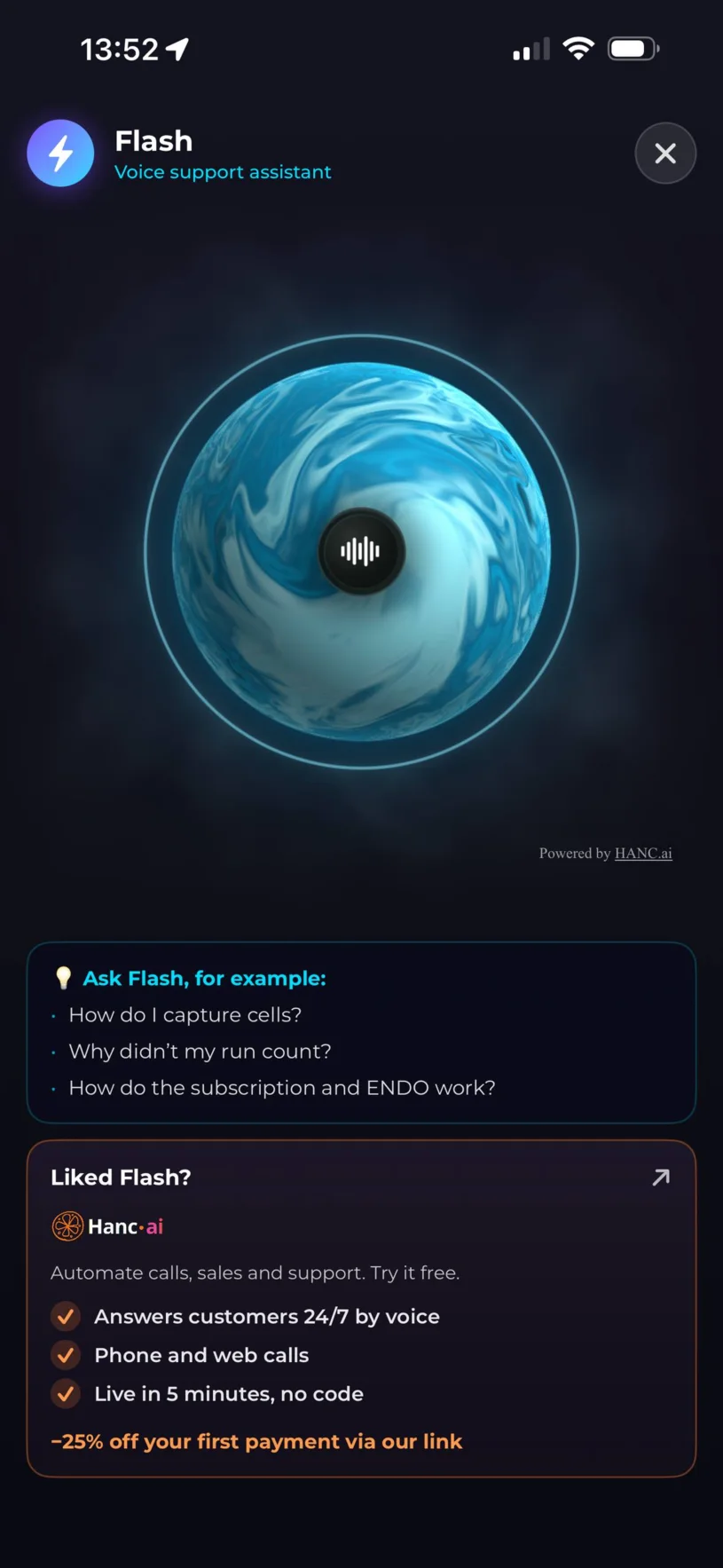
This sphere is the real widget, with our demo agent. Press it and talk.
Five ways to show it.
The same agent behind each of them. Mix them freely: a sphere on the contact page and a floating pill everywhere else is a normal setup.
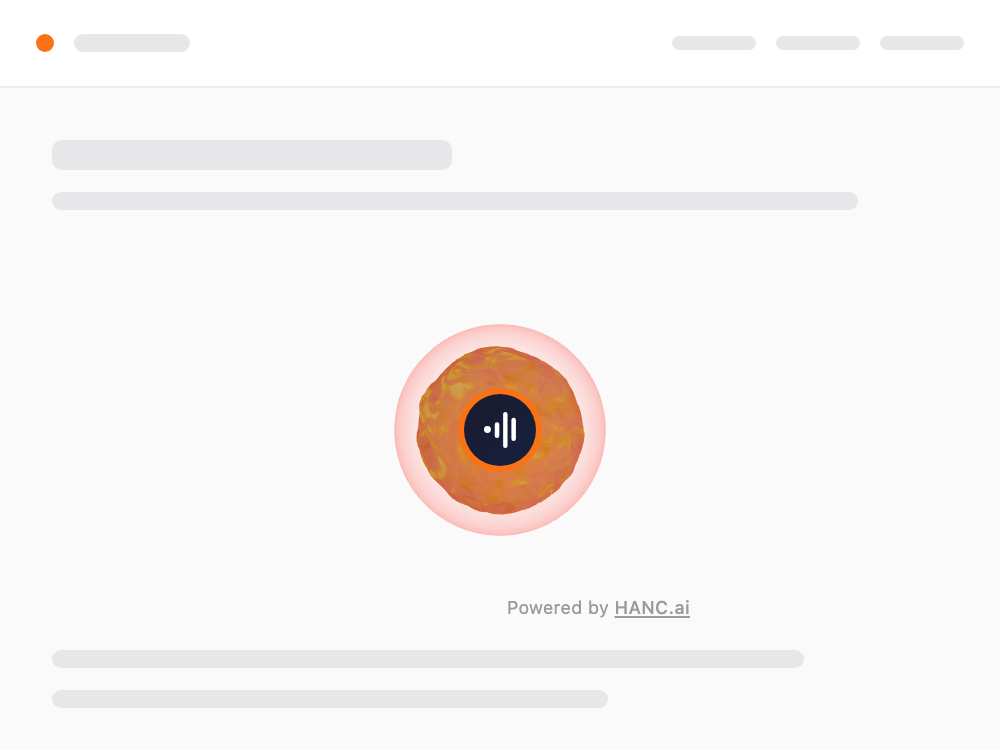
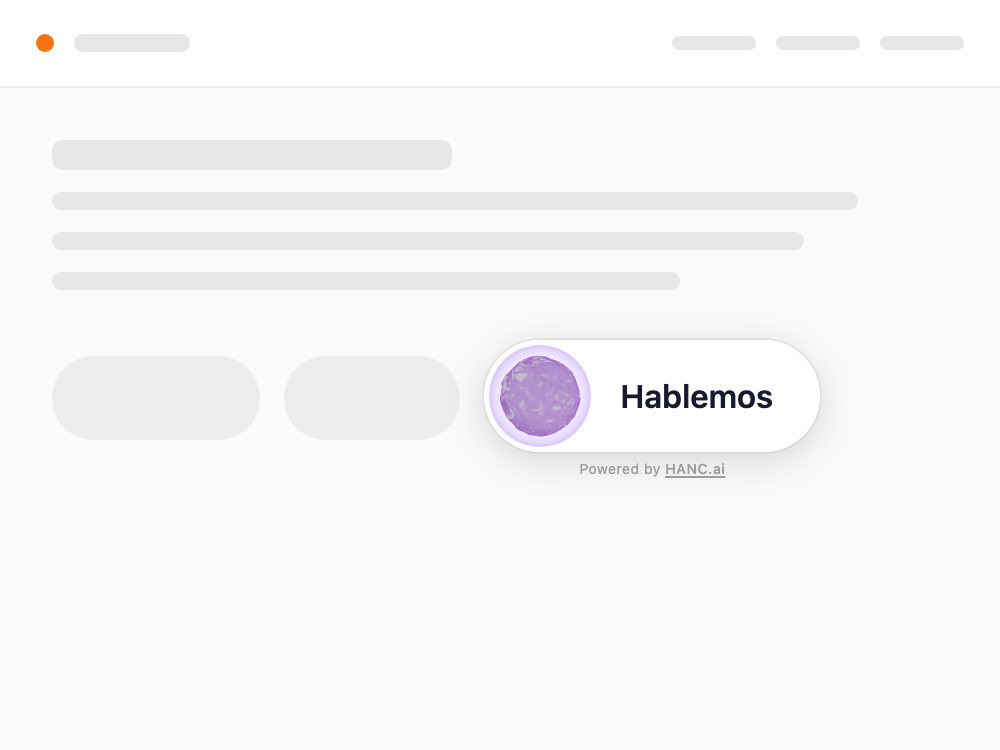
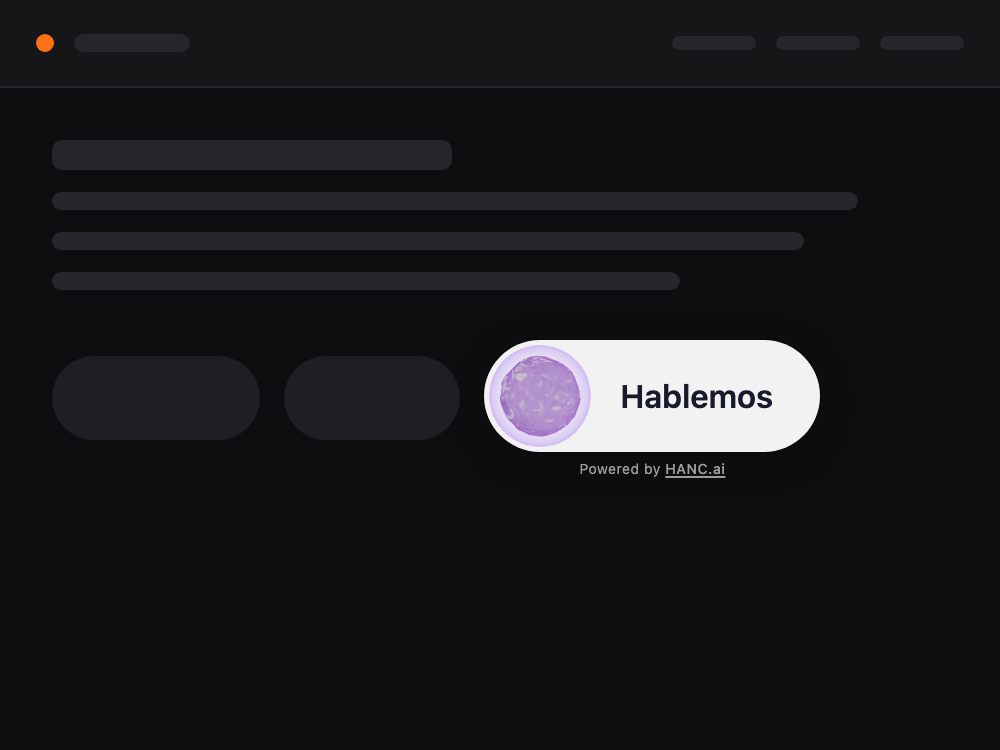
A living sphere inside a section. For a landing page or the contact page, wherever talking is the point of the block.
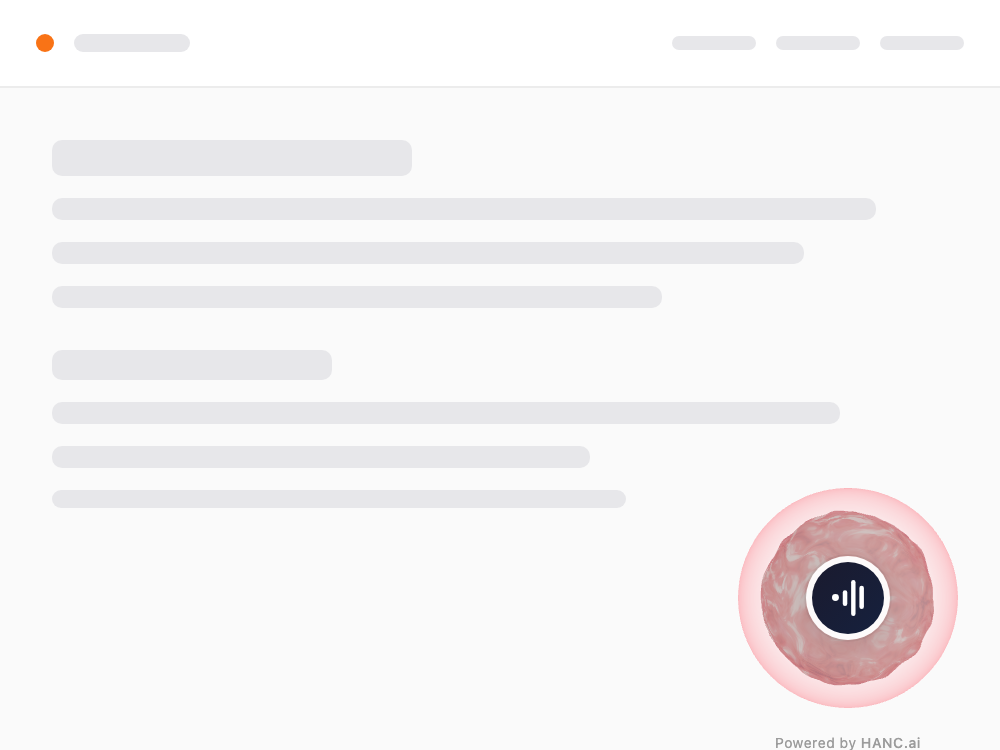
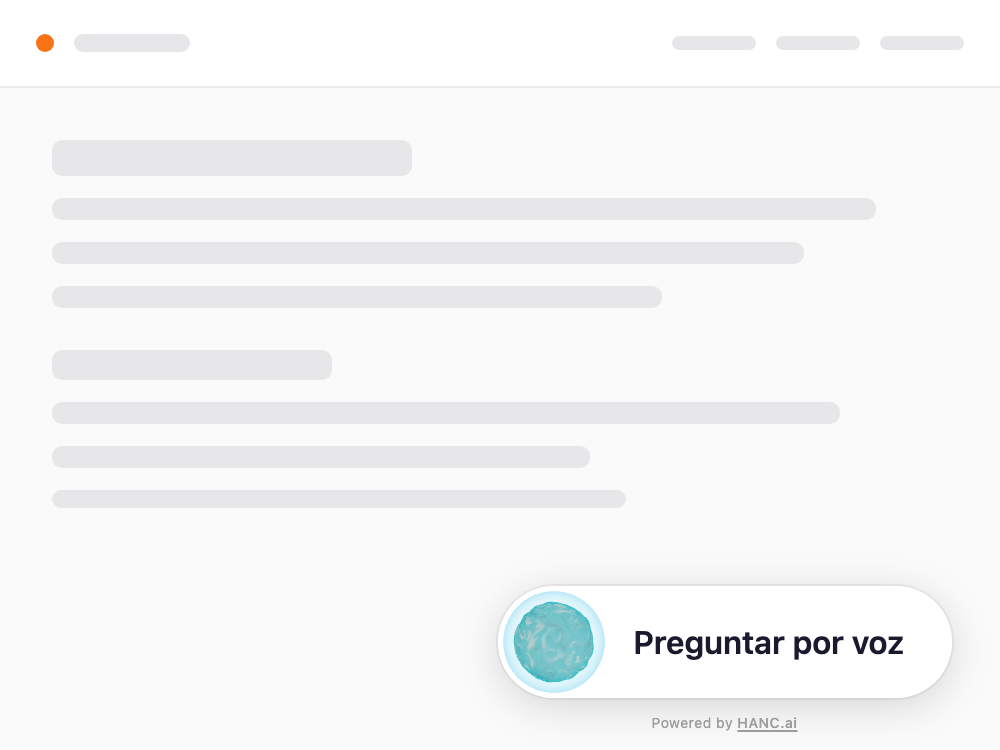
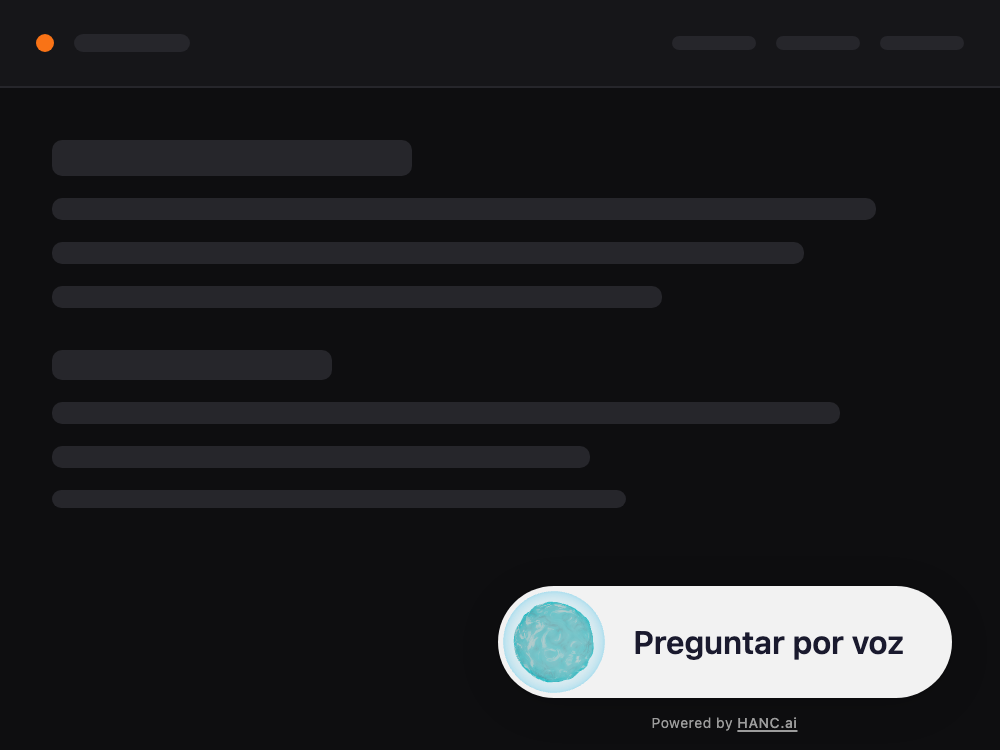
Fixed in a corner of every page. Always in reach, without taking room in your layout.
A compact button with your own label. It sits in a row of buttons, in the header or inside a card.
The compact button, fixed at the edge of the screen. Less attention than a sphere, still always there.
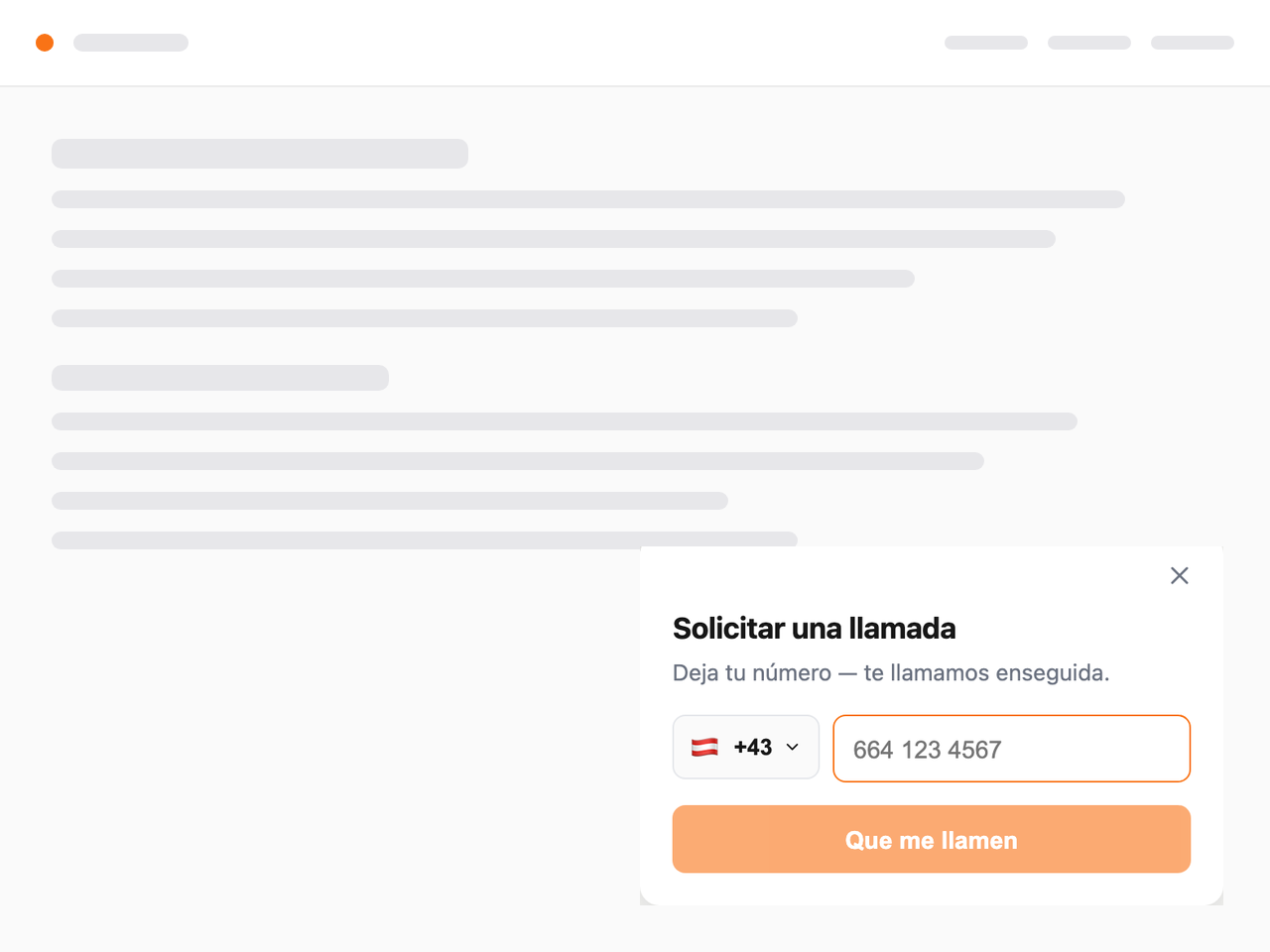
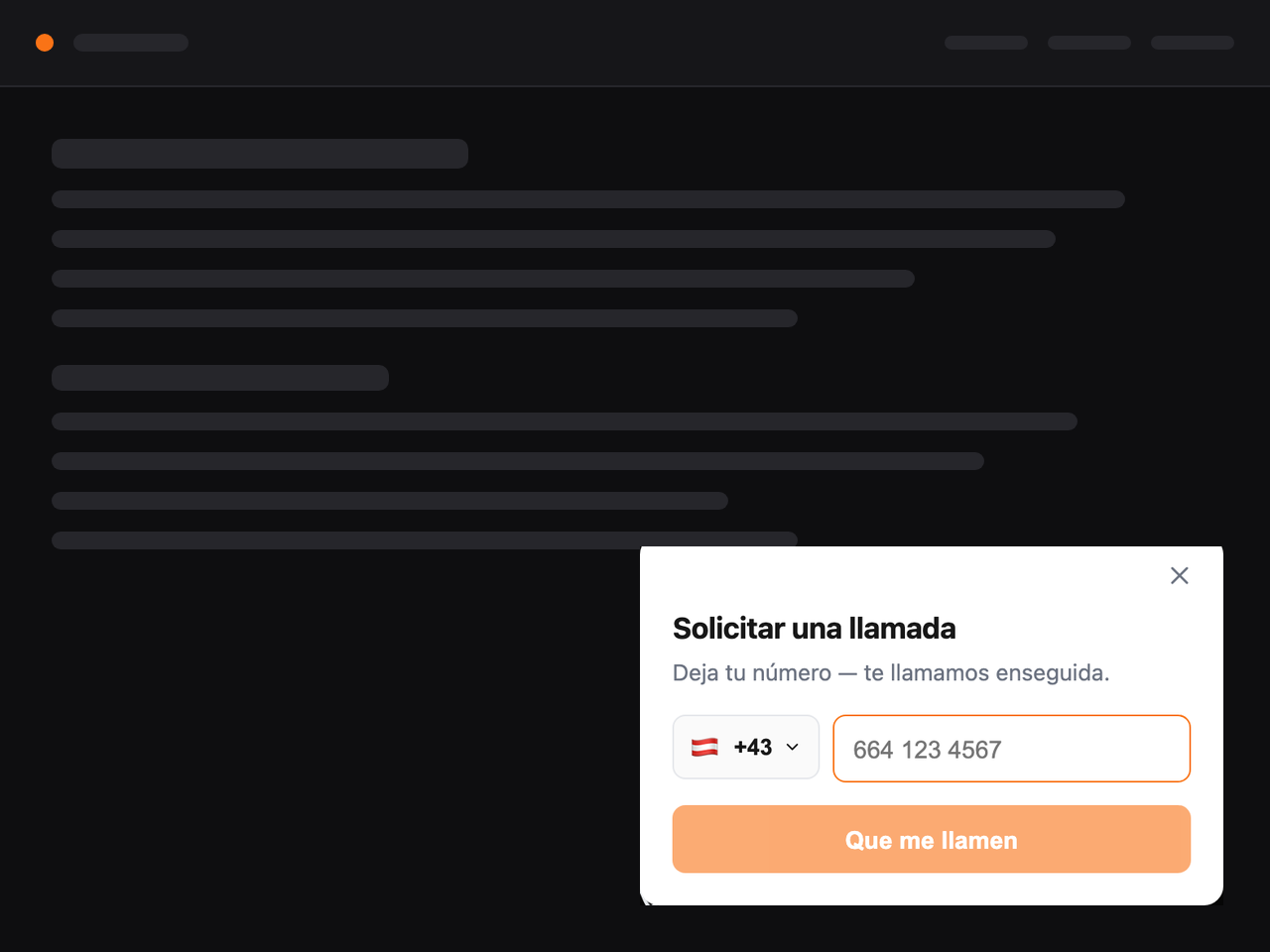
Country, number, one button. For visitors who would rather be called on their phone than talk in the browser.
It walks visitors through the page.
Nobody wants a price table read aloud. The agent can open a section, talk about what is on screen and read the basket back. Three demo pages show it with an AI seller each.
-
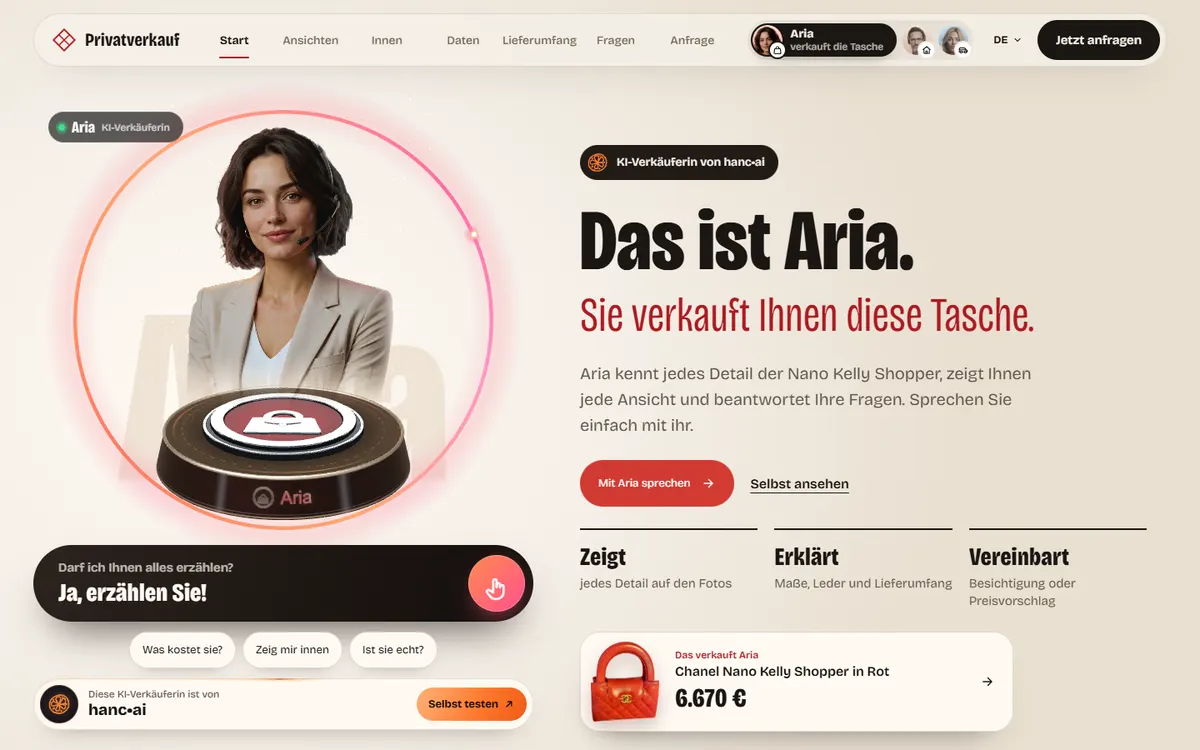 Aria sells a Chanel Nano Kelly Shopper
Shows every detail in the photos, explains size, leather and what comes in the box, and passes on a request for a viewing or a price offer.
-
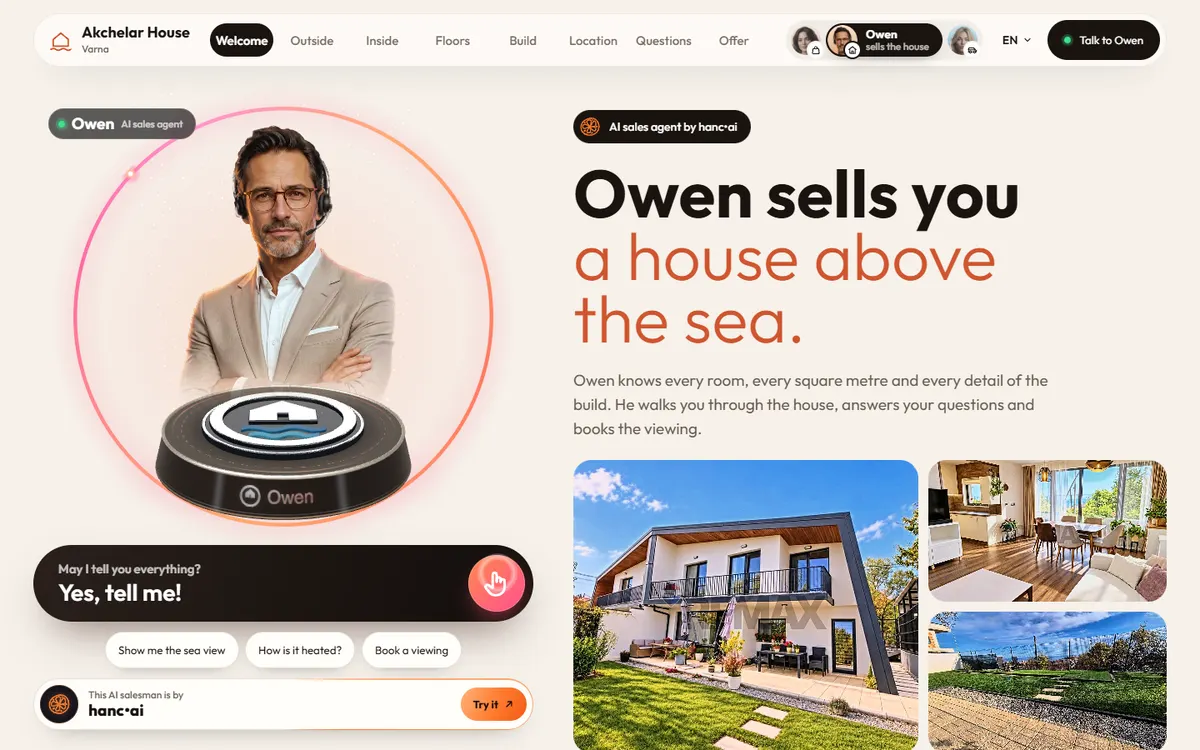 Owen sells a house above Varna Bay
Walks the visitor through the house, answers questions and passes on a viewing request.
-
 Sofia sells a VW Multivan
Shows the visitor the van outside and inside, talks through the specs and answers questions before the viewing request.
Your site's code decides which of these the agent may do.
Every web conversation in your dashboard.
A call from your website is a call like any other: you can follow it live, and what the visitor said ends up on their contact.
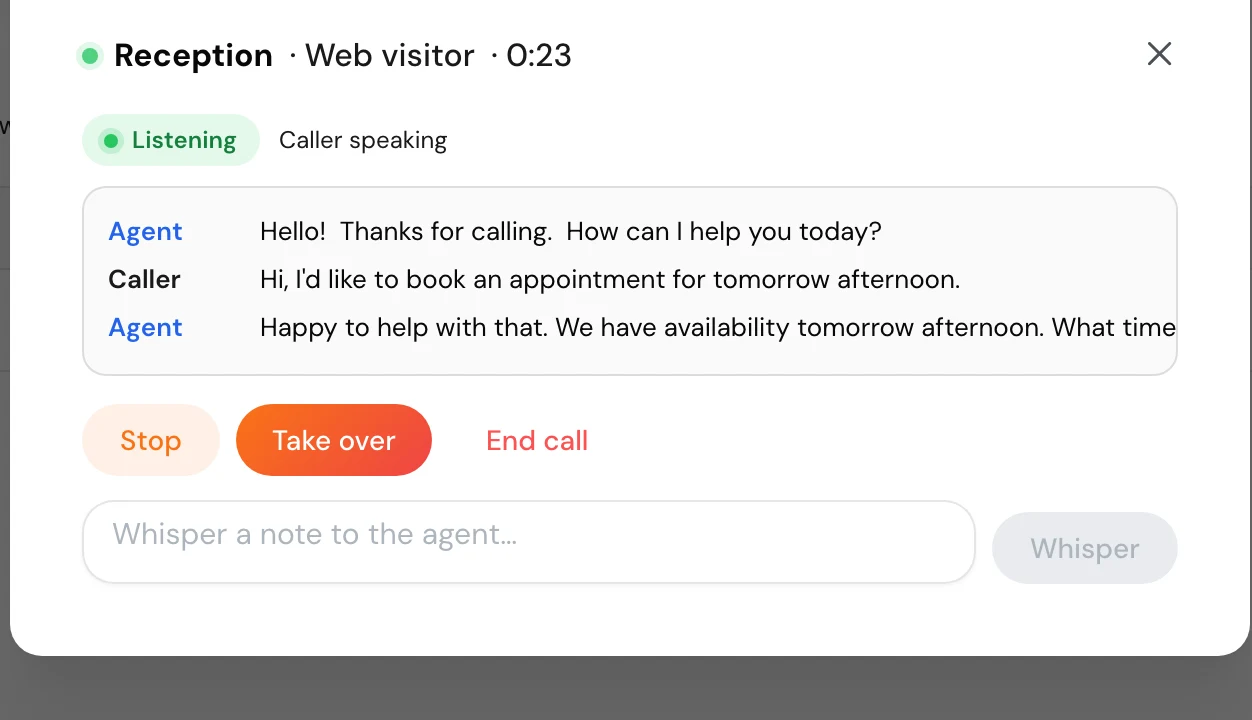
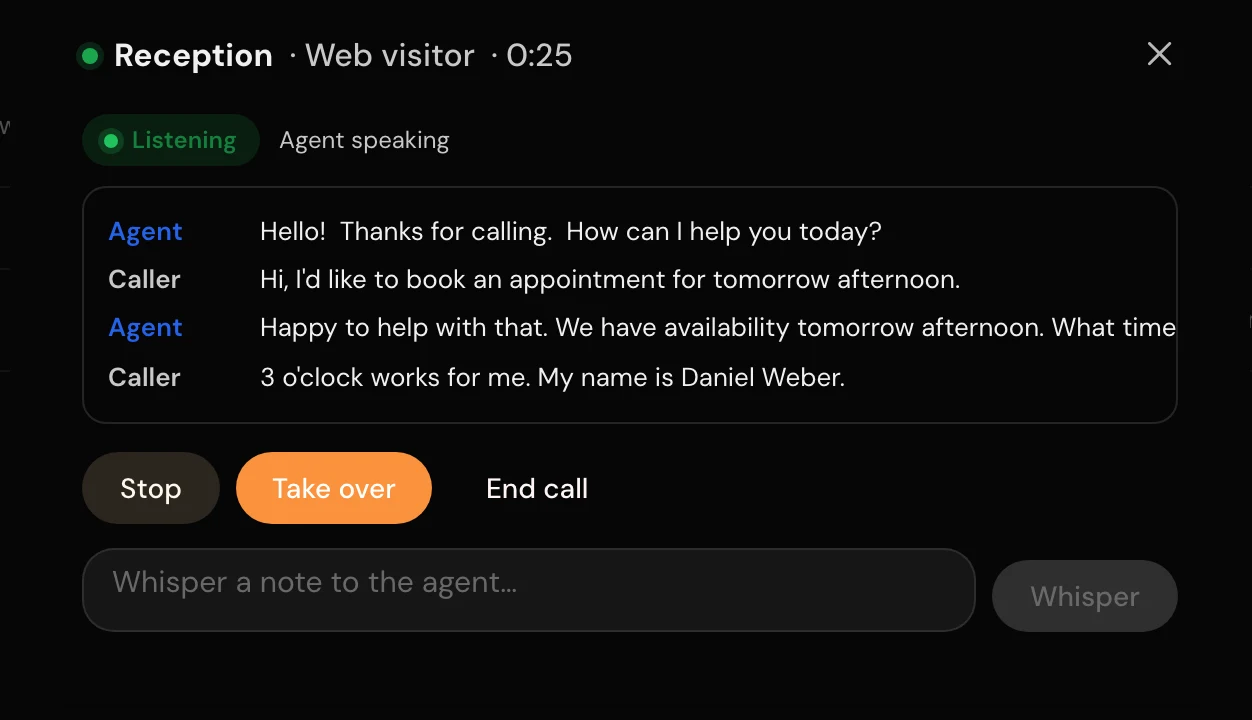
Watch the conversation as it runs, whisper a hint the visitor never hears, or take over yourself.
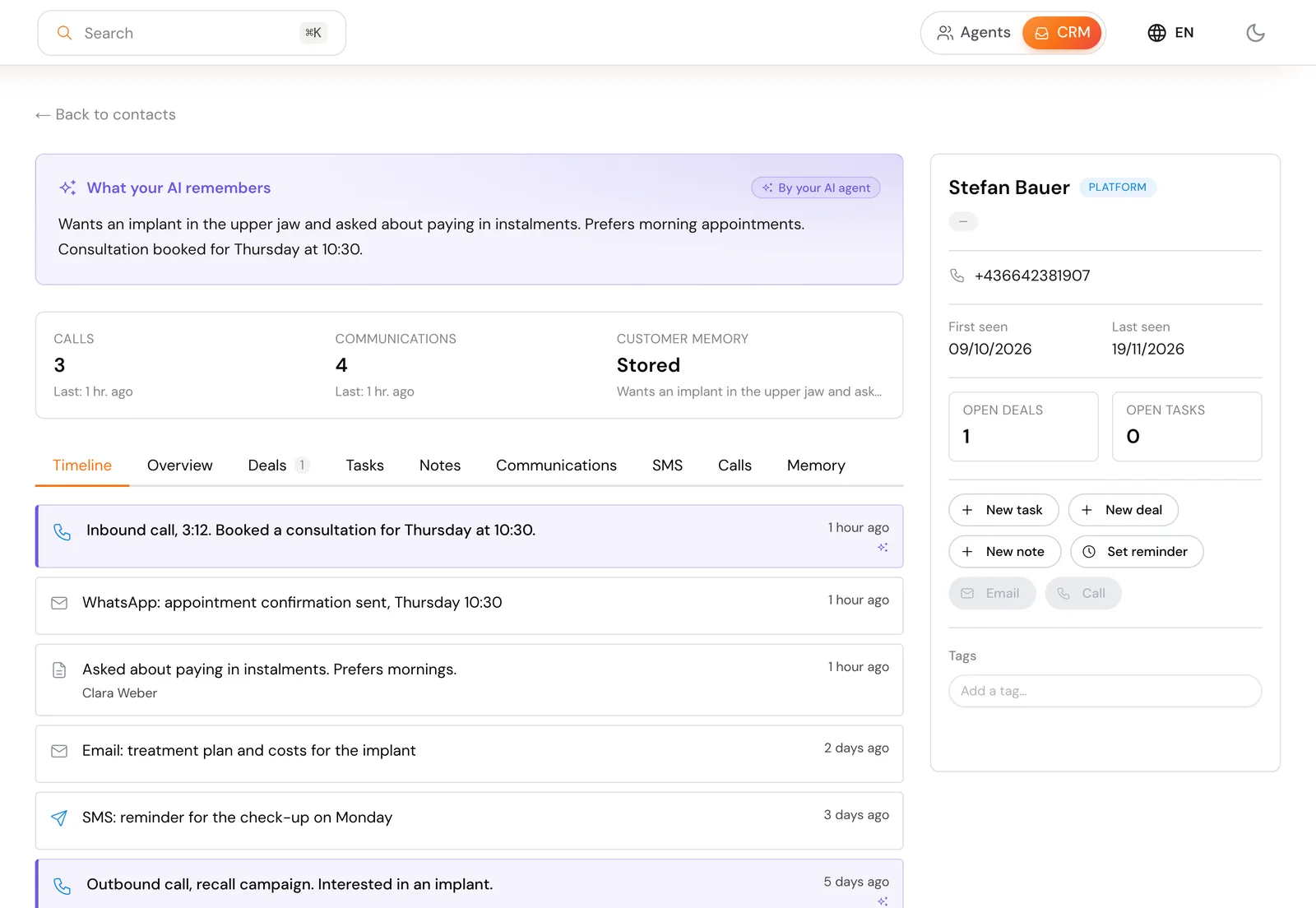
A visitor who leaves a name and a number lands on a contact, with a summary. Calls, web calls, WhatsApp and email sit on one timeline.
No microphone? It calls them.
Some visitors will not talk to a browser. They leave their number in the callback form, and the same agent calls their phone within seconds.
How often it tries again is set on the agent.
On your website in three steps.
No backend, no plugin to keep up to date.
- 1 Create the agent Pick a role, add your price list and opening hours, connect your calendar if it should book.
- 2 Add one line of code The script in the head of your site, the tag where the button belongs. Only the agent id is required.
- 3 Choose the look Five forms and 11 colour themes, or your own palette and button text.
<script src="https://unpkg.com/hanc-webrtc-widgets" async></script>

<hanc-ai-floating-call agent-id="YOUR_AGENT_ID"></hanc-ai-floating-call>
React, Next.js and Vue: ready instructions on the widgets page. Every option for developers
Your knowledge, the visitor's language.
It is the same agent as on your phone line: the same knowledge base, the same calendar, the same CRM.
- Your documents Prices, opening hours, treatments and policies. Answers stay within what you gave it.
- Bookings It checks your calendar and books the slot during the conversation.
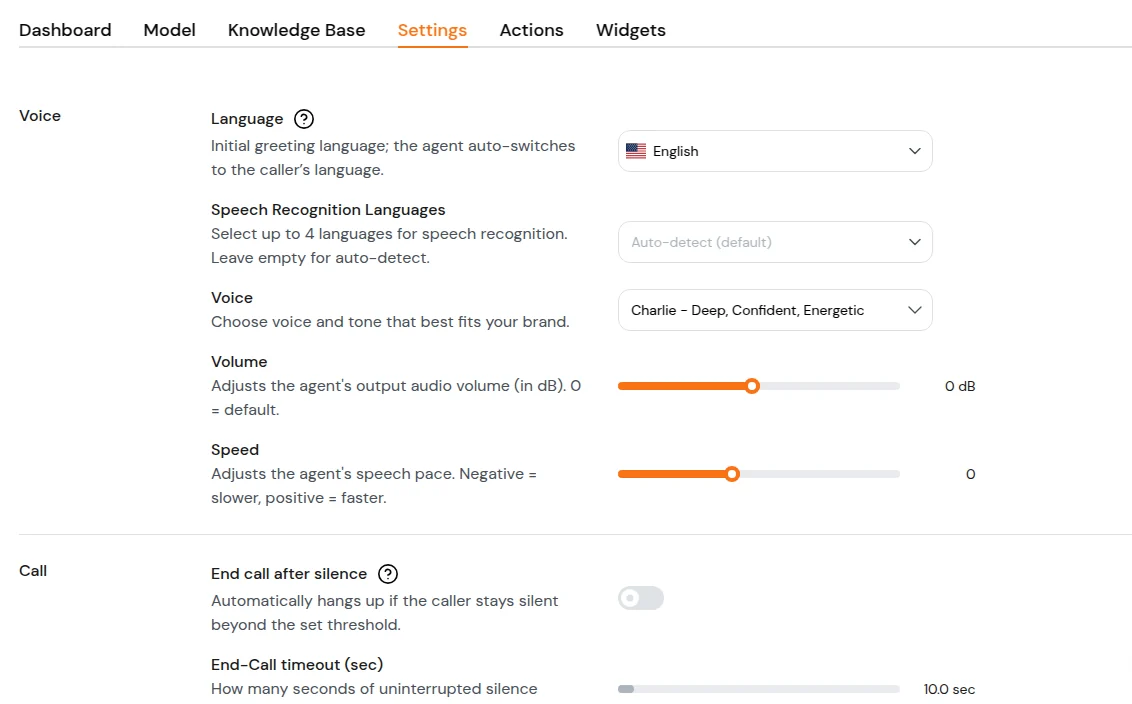
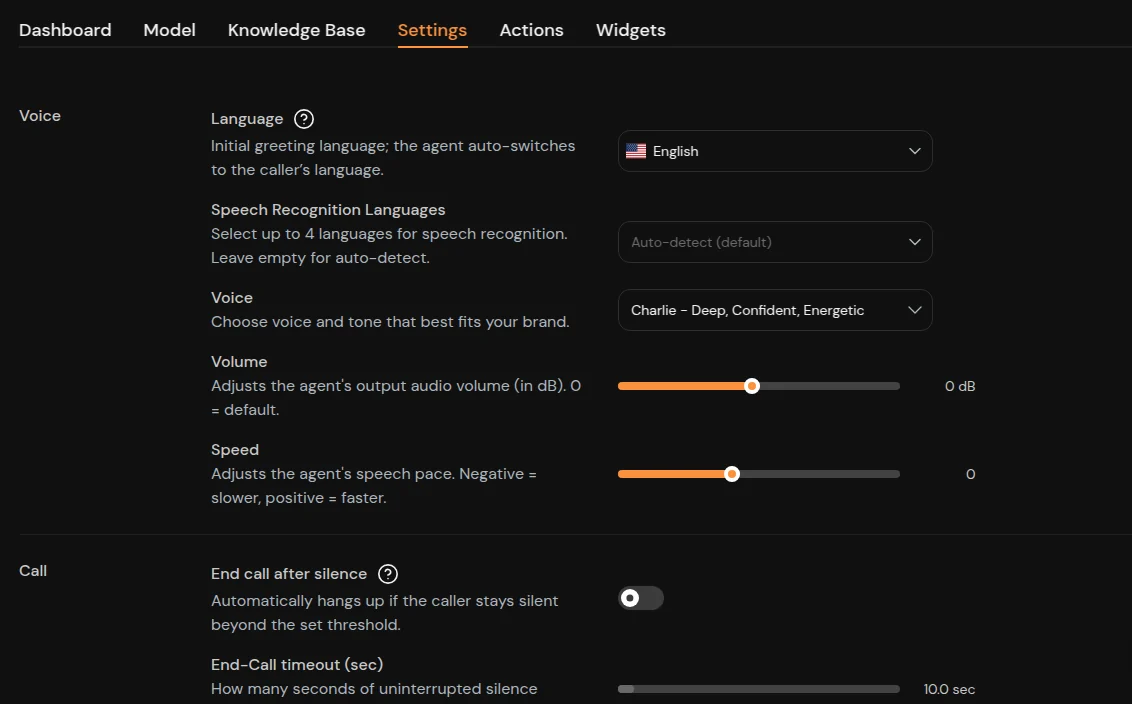
- 25 languages It starts in the language of the visitor's browser and switches when the visitor does.
Private by default.
- Encrypted Requests over HTTPS, audio over WSS and SRTP. Browsers give no microphone without HTTPS anyway.
- Terms before the first call Show your terms before the conversation starts and link your privacy policy in the widget.
- Only on your domains List the domains the widget may start on, so a copy of your page elsewhere stays silent.
- Recording stays off The conversation is streamed, not stored as audio, unless you switch recording on for the agent.
Pay for the minutes, not the widget.
A conversation on your website is billed per minute at your plan's rate, the same as a phone call, from your plan's credit. No phone number needed.
0,13 € a minute of web call, on Business
€0 for the widget, the forms and the themes
In every plan Also in the 14-day trial
Sus preguntas, respondidas.
What is an AI website assistant?
A voice agent on your website. Visitors press a button and talk to it out loud in the browser. It answers from your documents, books appointments, opens the right page and passes requests to your team.
Do visitors need to install anything?
No. The conversation runs in the browser. It asks once for the microphone; a visitor who says no can use the callback form instead.
How do I add it to my website?
One script tag in the head of your site and one tag where the button should be, with the agent id from your dashboard. For React, Next.js and Vue there are ready instructions on the widgets page.
Can it open pages on my site?
Yes. The agent can ask your site to open a page, tell it what is on screen or read the basket. Your site's code answers those requests and decides what it allows.
Does it work on phones?
Yes, in mobile browsers on iOS and Android. Inside your own app it runs in a web view.
In which languages does it talk?
In 25 languages. It starts in the language of the visitor's browser and switches when the visitor speaks another one.
What does it cost?
The widget is included in every plan. Conversations are billed per minute at your plan's rate, from 0,13 € a minute, the same as a phone call.
Let your website answer.
Create the agent, add one line of code and talk to your own site.